AI copilot
Ask for what you want in plain English. It uses the same tools as the app, and asks before anything irreversible.
Copilot is the second entry in the sidebar. The button in the top bar (or ⌘I / Ctrl+I) opens the same conversation in a side panel.
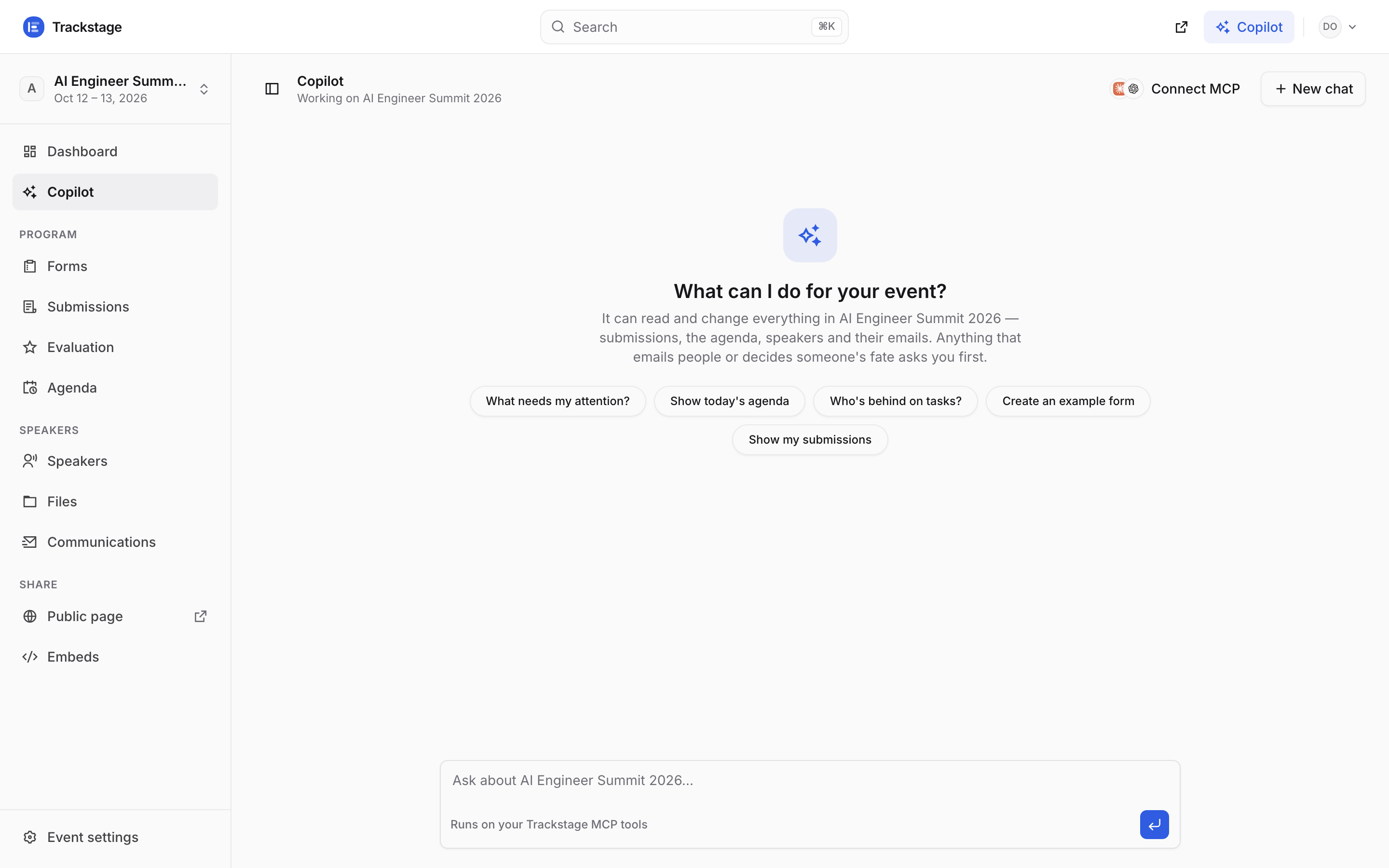
It names the event it is working on under the title — the same one your sidebar is pointed at. Full page or side panel, it is one conversation and one history. Ask something. The starters under the title are the ones people ask most: “What needs my attention?”, “Show today’s agenda”, “Who’s behind on tasks?”
It can read and change everything in the event you have selected — submissions, the agenda, speakers and their emails. Answers come back as plain cards you can read: a list of speakers, a day of the agenda, a count — never a wall of raw data.
Anything that emails people or decides someone’s fate stops and shows a confirmation card first.
The card names the action, lists exactly what it would do, and gives you Cancel or Approve & run. Cancel and nothing was changed.
Old chats are kept. “New chat” starts a fresh one; the rail lists the rest by day.
Rename or delete any of them from the rail. The history follows you between the panel and the full page, so a conversation you started beside the submissions table is still there at
/app/copilot.Open the panel beside any screen so you can watch the table update as it works.
Drag the panel’s left edge to make it wider. “Connect MCP” in the header gives the same tools to Claude, ChatGPT or Codex on your own machine.